|
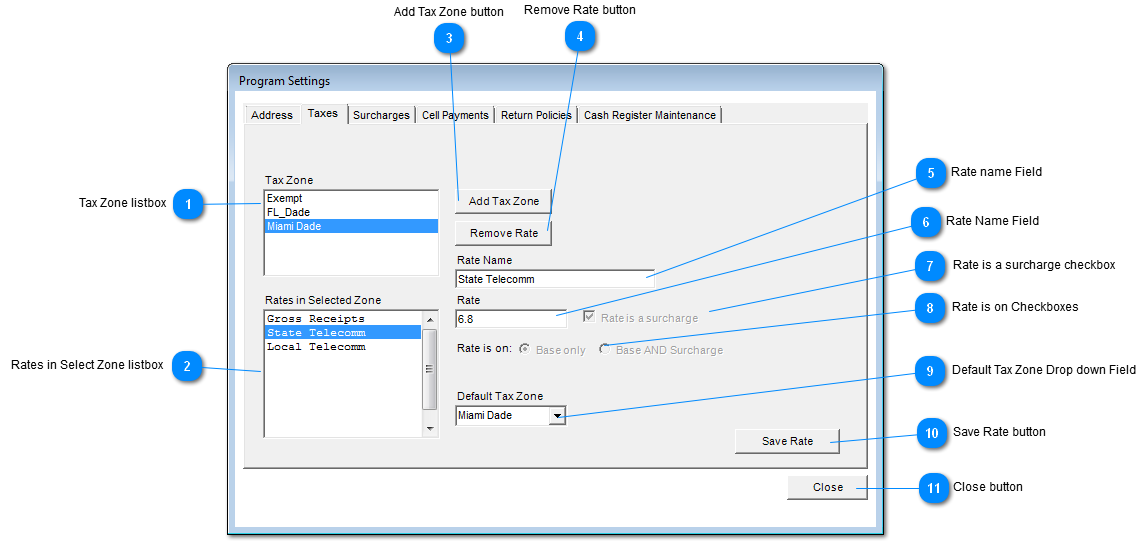
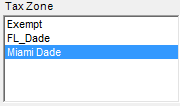
 Tax Zone listbox
Select the Tax Zone desired by clicking on a item.
| |
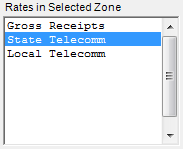
 Rates in Select Zone listbox
Select a Rate for a Zone by clicking on a item.
| |
 Add Tax Zone button
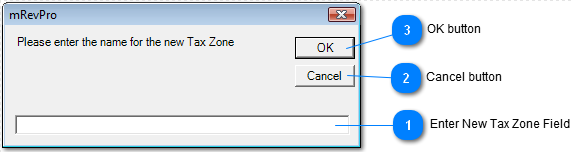
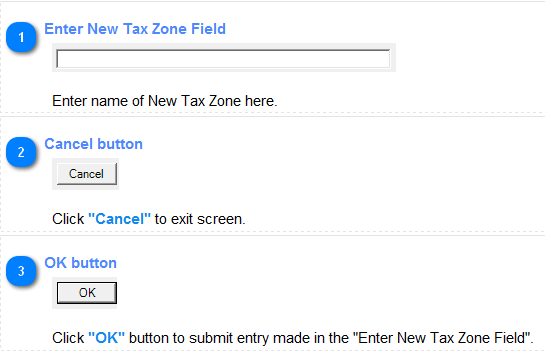
Click "Add Tax Zone" button to add a new tax zone.
| |
 Remove Rate button
Click "Remove Rate" button to remove Tax Rate Zone from database.
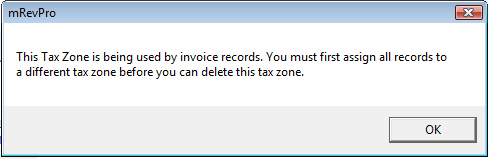
If Tax Zone is being used by invoice records the Tax Zone cannot be removed instead the following message will be issued.
| |
 Rate name Field
Displays Rate Name from the "Rates in Selected Zone".
| |
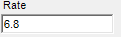
 Rate Name Field
Displays Tax Rate from Rate Name in the "Rates in Selected Zone".
| |
 Rate is a surcharge checkbox
If Checkbox is check the Rate Name in the "Rates in Selected Zone" is a surcharge.
If Checkbox is not checked Rate Name in the "Rates in Selected Zone" is not a surcharge.
| |
 Rate is on Checkboxes
If Radio button for "Base only" is checked then the Rate percentage displayed is only a Base Rate percentage.
If Radio button for "Base AND Surcharge" is checked then the Rate percentage is a Base plus Surcharge percentage..
| |
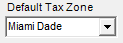
 Default Tax Zone Drop down Field
Select the Tax Zone company would like to be the default Tax Zone.
| |
 Save Rate button
Click "Save" button to Save new entry or Update current entry(s).
| |
 Close button
Click "Close" button to exit screen.
| |
|
|