|
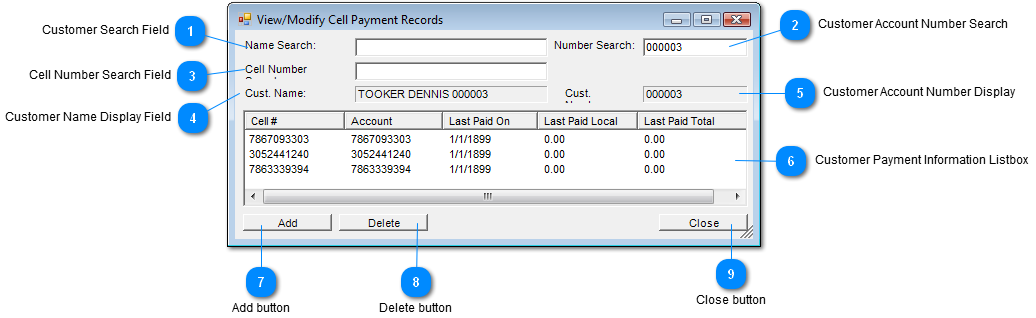
 Customer Search Field
Enter Customer's Name to search.
| |
 Customer Account Number Search
Enter Customer's account number.
| |
 Cell Number Search Field
Enter Customer's Cell Number to search.
| |
 Customer Name Display Field
Displays Customer Name
| |
 Customer Account Number Display
Displays Customer's Account Number
| |
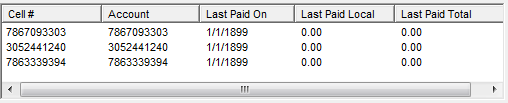
 Customer Payment Information Listbox
|
Cell Number
|
Customer's cell phone on which payment was made
|
|
Account
|
Customer's account on which payment was made
|
|
Last Paid On
|
Customer's last payment
|
|
Last Paid Local
|
Customer's location where payment was made
|
|
Last Paid Total
|
Customer's payment total
|
| |
 Add button
Click "Add" button to add another payment record.
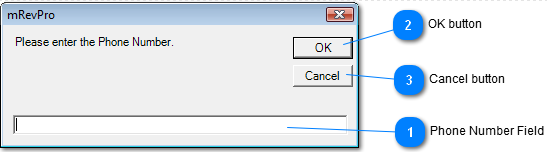
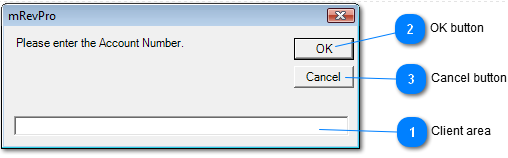
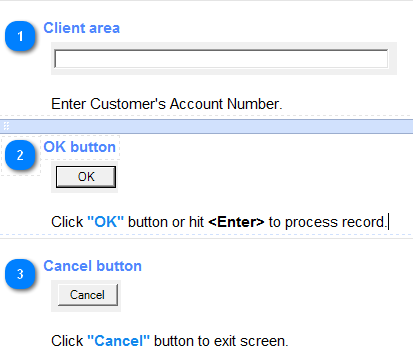
Following screens will appear;
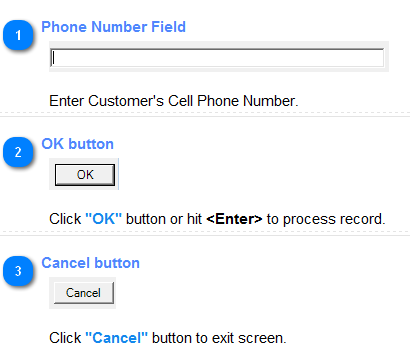
1. Enter the Phone Number
2. Enter the Account Number
| |
 Delete button
Click "Delete" button will delete a selected item from the Customer Payment Information Listbox .
| |
 Close button
Click "Close" button to exit screen.
| |
|
|