|
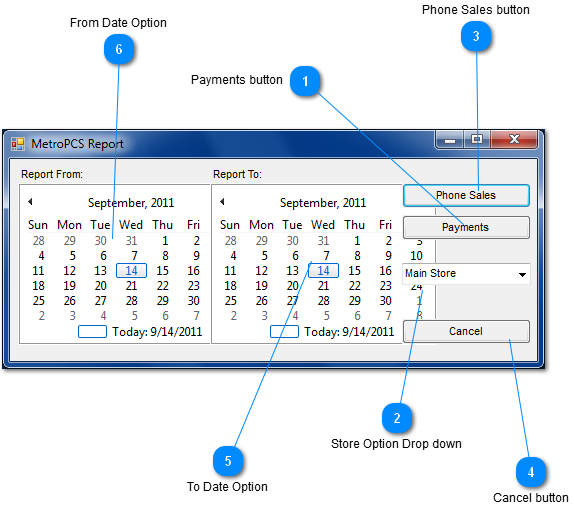
 Payments button
Clicking on the Payment Button will generate an excel report for cell phone payments made after choosing your date range.
| |
 Store Option Drop down
The store drop down box allows you to choose which store you would like a MetroPCS report from
| |
 Phone Sales button
Clicking on the Phone Sales Button will generate an excel report for cell phones sold after choosing your date range.
| |
 Cancel button
Clicking the Cancel button Exits you out of the window
| |
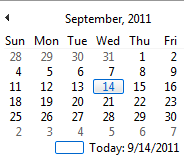
 To Date Option
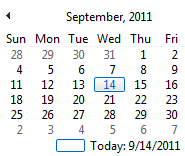
The to date option allows you to choose which date you would like to start the MetroPCS report from.
| |
 From Date Option
The from date option allows you to choose which date you would like to end the MetroPCS report from.
| |
|
|