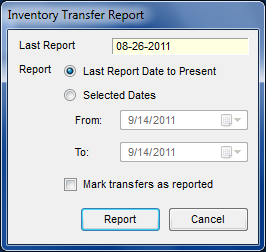
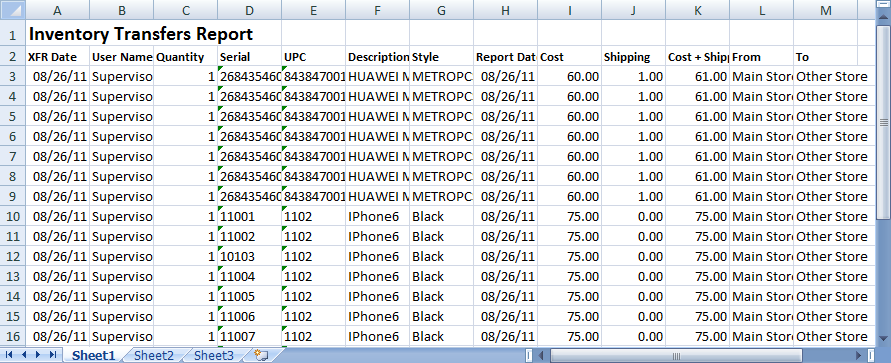
If you click Store Transfer Report a window (above) will pop-up with the options to select what date range or you can print or view from the last transfer report made, you can also check the box mark transfers as reported if you want to mark your transfers as reported. The report would then generate into an excel file (below)
Excel File for Store Transfer Report