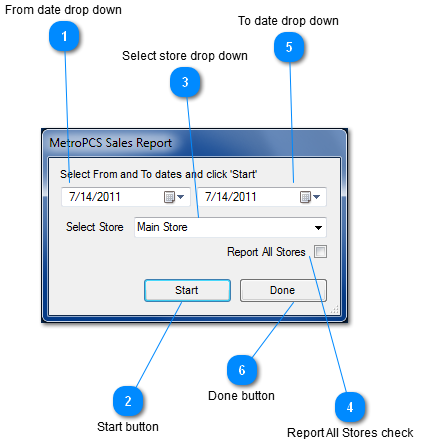
MetroPCS Sales Report window
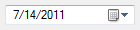
 From date drop down
Clicking on the from date drop down box allows you to choose the date you would like to begin your MetroPCS sales report.
|
|
 Start button
Clicking the "start" button gives you a MetroPCS sales report from the dates and store or stores you selected.
|
|
 Select store drop down
Clicking on Select store drop down box allows you to choose which store you want a MetroPCS sales report from
|
|
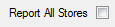
 Report All Stores check
The "Report All Stores" checkbox allows you to get a MetroPCS sales report on all the stores that are listed.
|
|
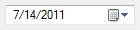
 To date drop down
Clicking on the To date drop down box allows you to choose which date you would like to end your MetroPCS sales report.
|
|
 Done button
Clicking the "done" button exits the MetroPCS sales report window
|
|