|
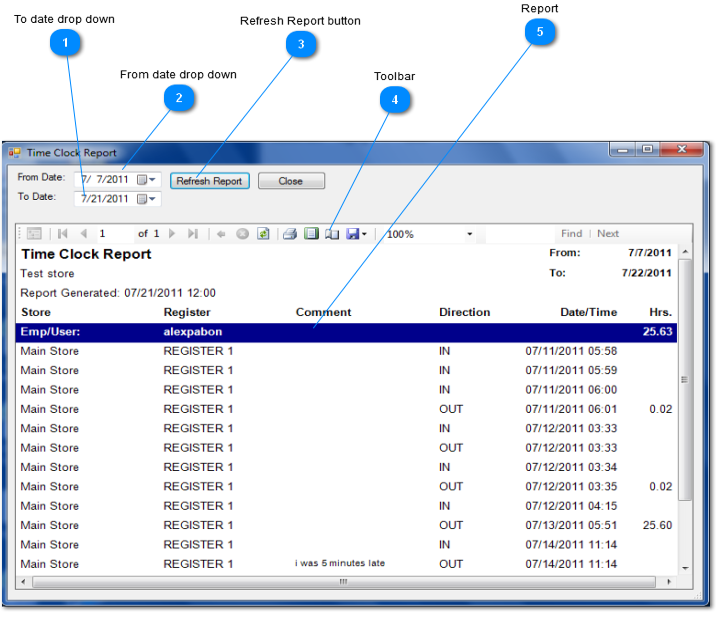
 To date drop down
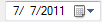
Clicking on the from date drop down box allows you to choose the date where you would like to begin your time clock report.
| |
 From date drop down
Clicking on the from date drop down box allows you to choose the date where you would like to begin your time clock report.
| |
 Refresh Report button
Clicking the "Refresh Report" button allows you to refresh the report if you made any changes to the date.
| |
 Toolbar
See toolbar section.
| |
 Report
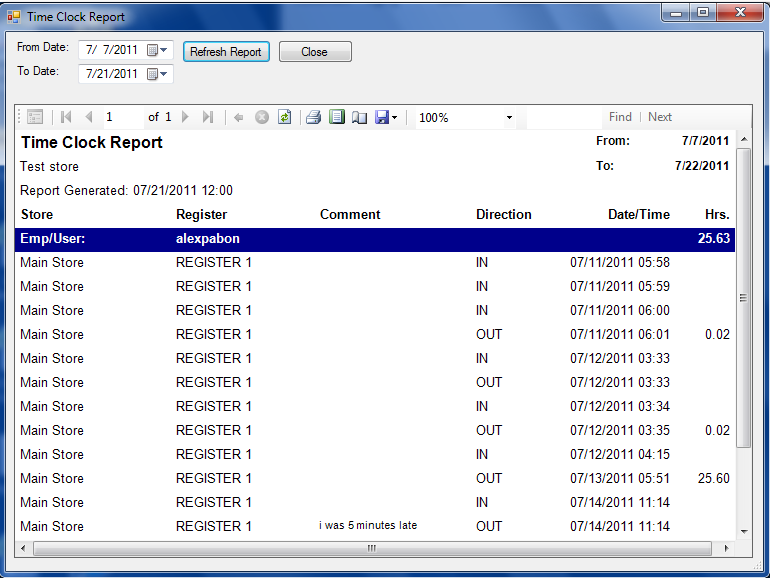
After choosing your to and from dates and clicking refresh the Time clock report will show right underneath the toolbar. Store, Register, Comments, Direction, Date / Time, and hours are shown
| |
|
|