|
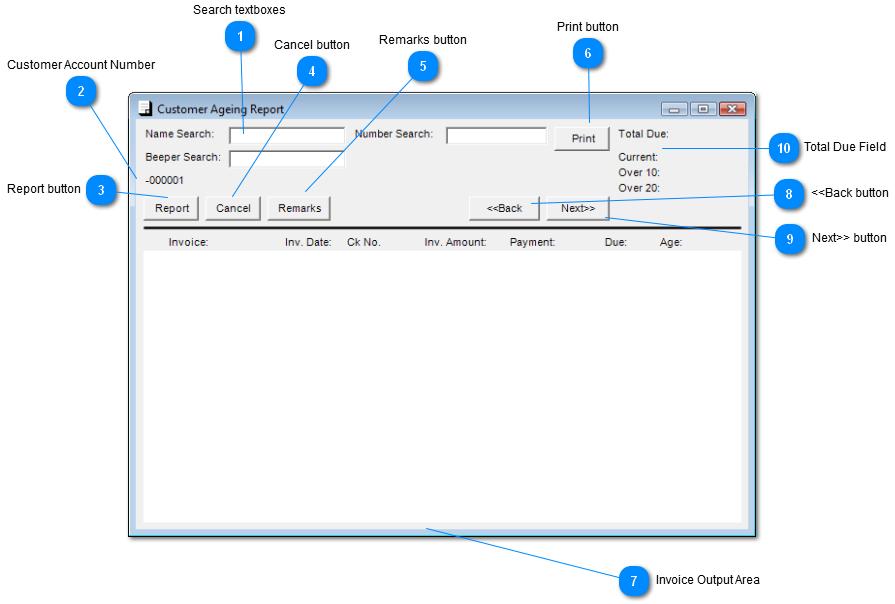
 Search textboxes
or
| |
 Customer Account Number
This field displays the Customer Account number, is not an edit field.
| |
 Report button
Display Customer Invoice, invoice(s) will appear in the Invoice Output Area.
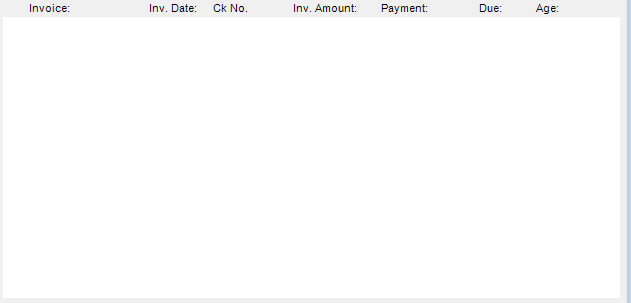
*Note if there are no invoices for Customer the follow message will appear in the Invoice Output Area.
| |
 Cancel button
Click "Cancel" to exit screen
| |
 Remarks button
Click "Remarks" to go to Remarks screen.
| |
 Print button
Click "Print" to print Report.
| |
 Invoice Output Area
Output of invoice report will be presented here.
| |
 <<Back button
Click "Back" to go to previous Customer.
| |
 Next>> button
Click "Next" to go to the next Customer.
| |
 Total Due Field
Display amount due by Customer
| |
|
|